¶ Personalization
Personalization sets how the Command Deck looks to you, and how it writes temperatures and dates. Your choices belong to your HexOS account, so they follow you on every server and every device you sign in from.
¶ Open the personalization screen
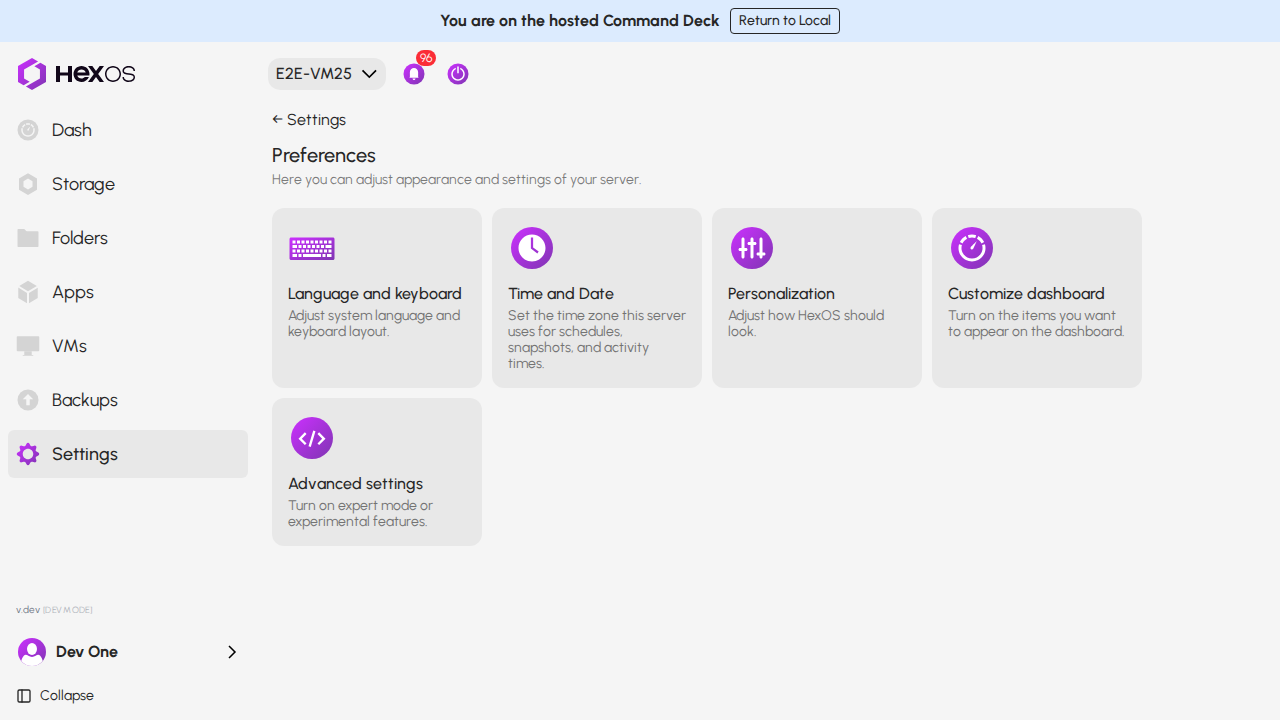
Click Settings, then click Preferences, then click Personalization.
The Preferences screen
¶ Choose how dates are written
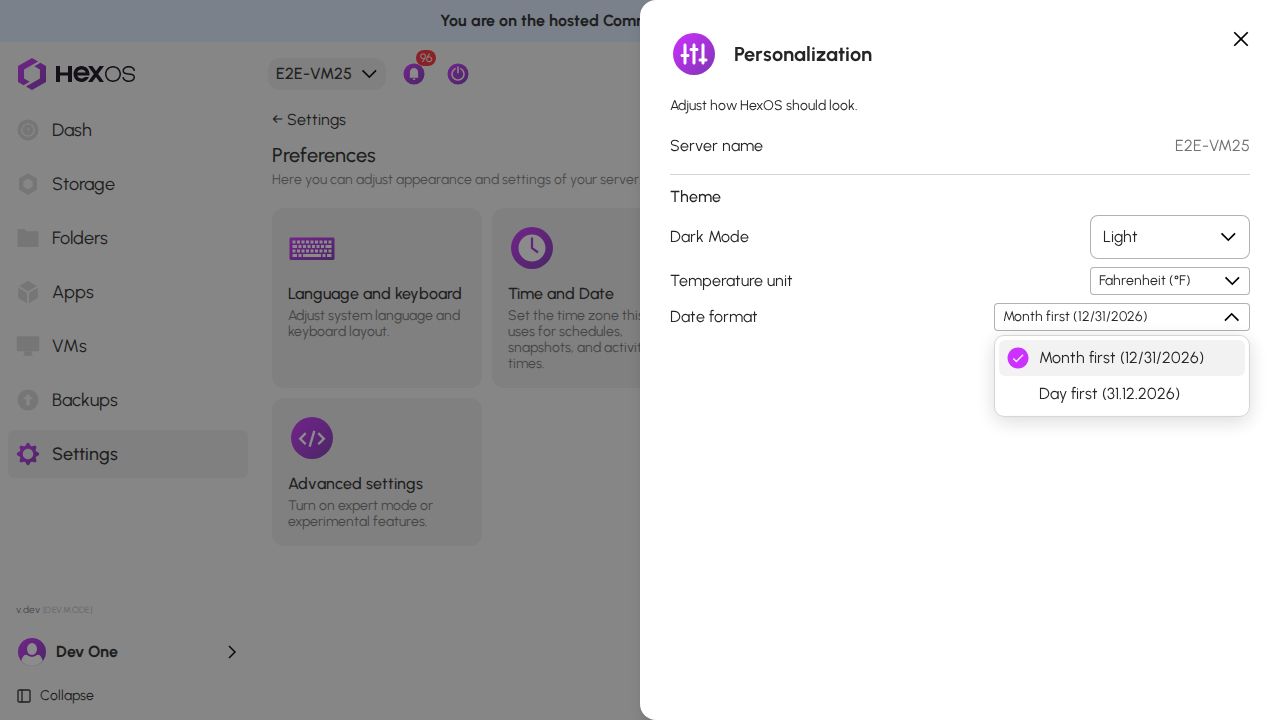
- Click the Date format menu, under Temperature unit.
- Click Month first (12/31/2026) or Day first (31.12.2026).
The Date format menu
Every date in the Command Deck changes at once: in sentences, in lists and next to times.
| Date format | A date on its own | A date in a sentence |
|---|---|---|
| Month first (12/31/2026) | 12/31/2026 | Dec 31, 2026 |
| Day first (31.12.2026) | 31.12.2026 | 31 Dec 2026 |
A date written day first
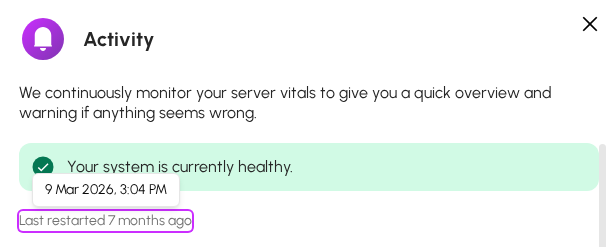
Info: Month first is the default. Times keep the form they always had, for example 3:04 PM. While your server cannot reach the internet, its local Command Deck writes dates month first until it reconnects.
¶ Choose the temperature unit
Click the Temperature unit menu and choose Celsius (°C) or Fahrenheit (°F). Drive and processor temperatures change at once.
Help: Questions about your preferences? Ask in the HexOS Discord Community.