¶ Why your pool size changes
HexOS shows how big each storage pool is and how much of it is used. Sometimes the size looks bigger than your drives can hold. Sometimes it gets smaller after you delete files. This does not mean something is wrong with your pool. This page explains how HexOS calculates the size, and why it can change.
¶ Where you see the size
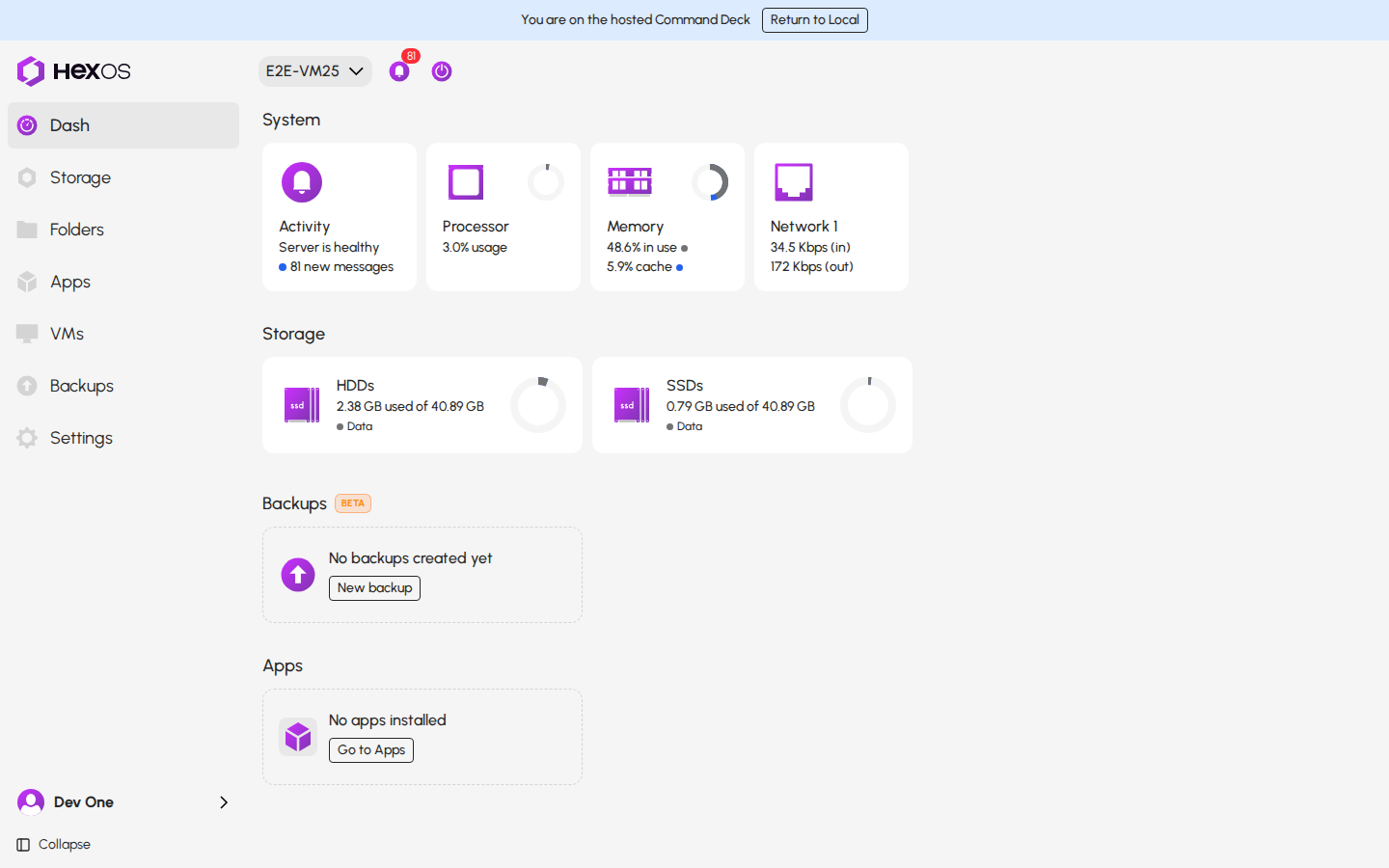
On the Dash, the Storage section shows how much of each pool is used, for example 2.38 GB used of 40.89 GB.
Storage section on the Dash
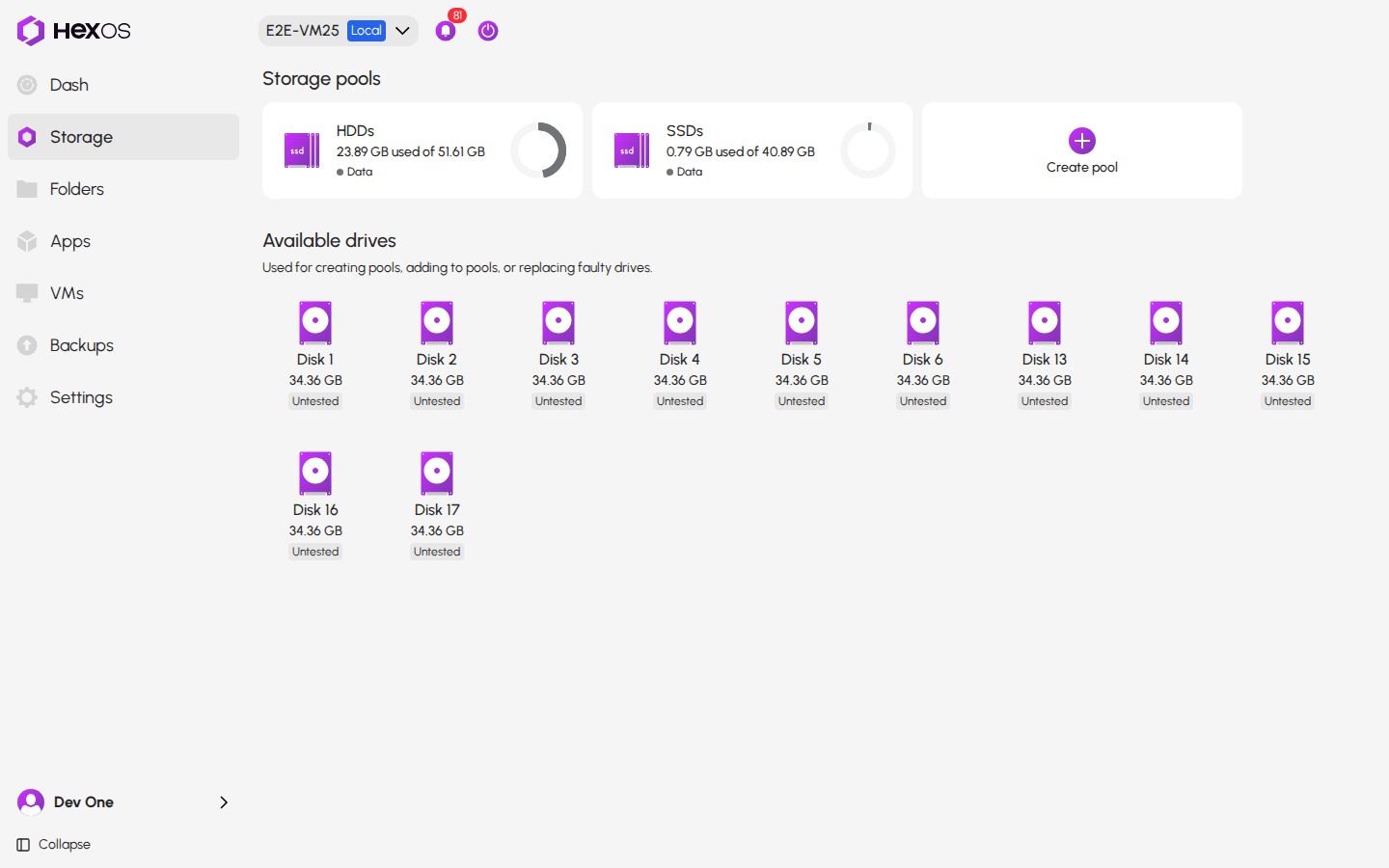
The Storage screen shows the same information on each pool card.
Pool card on the Storage screen
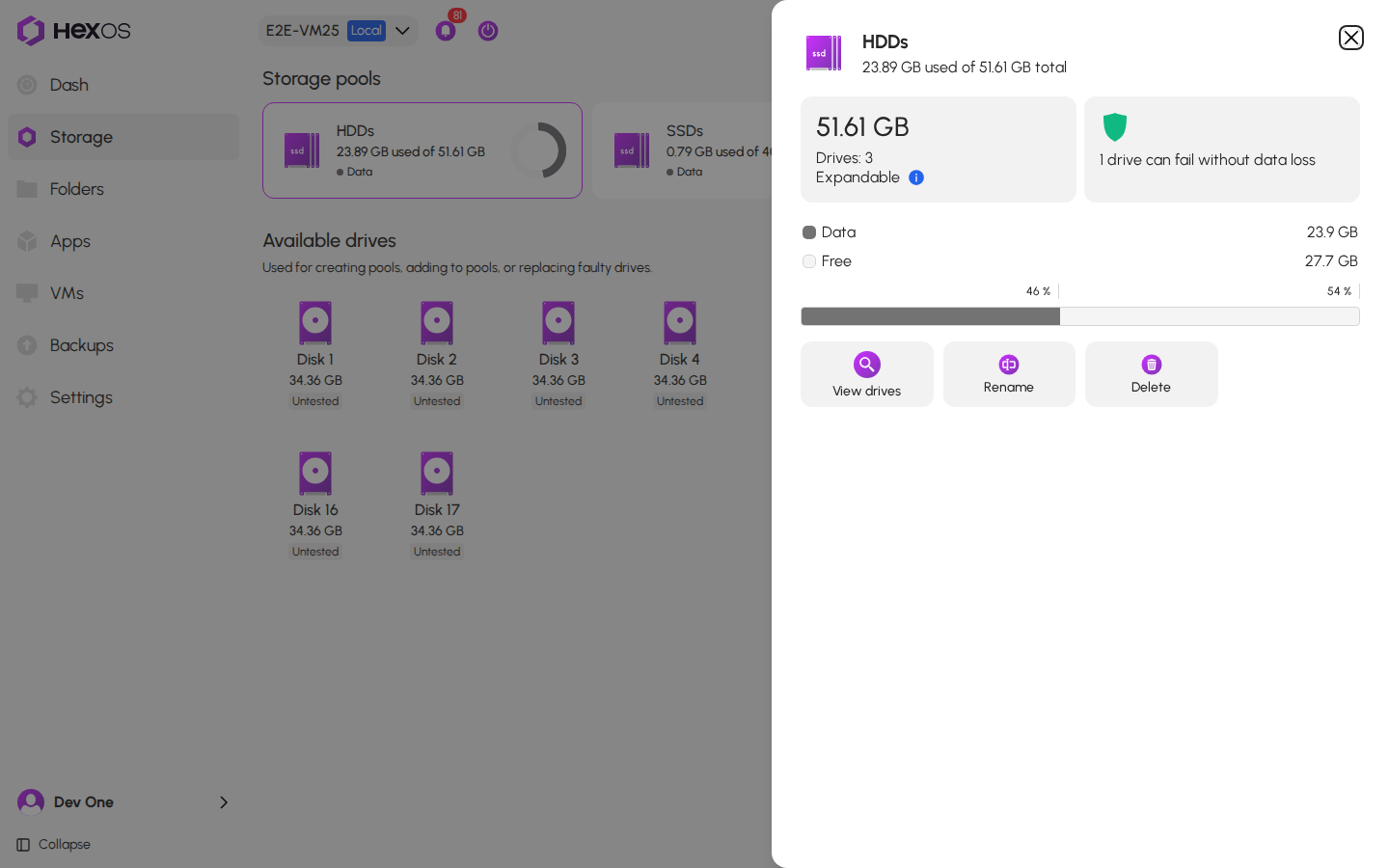
Click a pool card to open the pool's info panel. It shows the size in large type, and two rows below it:
- Data is the space in use: your files, plus snapshots and other data TrueNAS keeps on the pool.
- Free is the space left on the pool.
Pool info panel
The screenshots on this page show a test server at different steps of the example further down. That is why the numbers in them are not all the same.
¶ How HexOS calculates the size
TrueNAS reports two numbers for each pool: Used and Available. HexOS shows them as Data and Free. The size HexOS shows is these two numbers added together.
TrueNAS shows the same total as Usable Capacity on its Storage screen.
Usable Capacity in TrueNAS
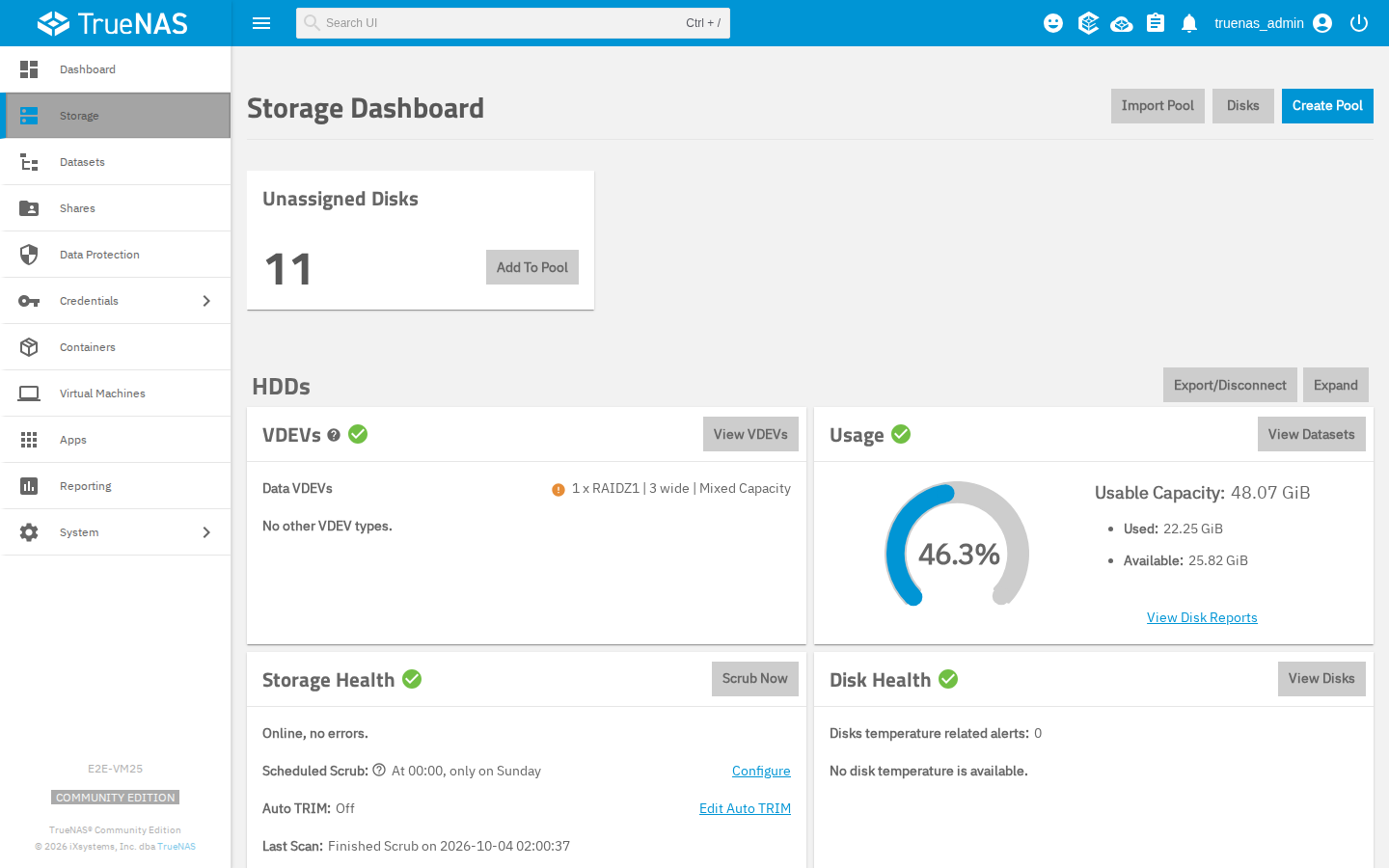
The numbers look different because the two use different units. HexOS shows TB and GB. TrueNAS shows TiB and GiB. A TiB is about 10% bigger than a TB, so the same space shows as a smaller number in TrueNAS:
| TrueNAS shows | HexOS shows |
|---|---|
| 48.07 GiB | 51.61 GB |
| 27.72 TiB | 30.48 TB |
¶ Why the size can be bigger than your drives
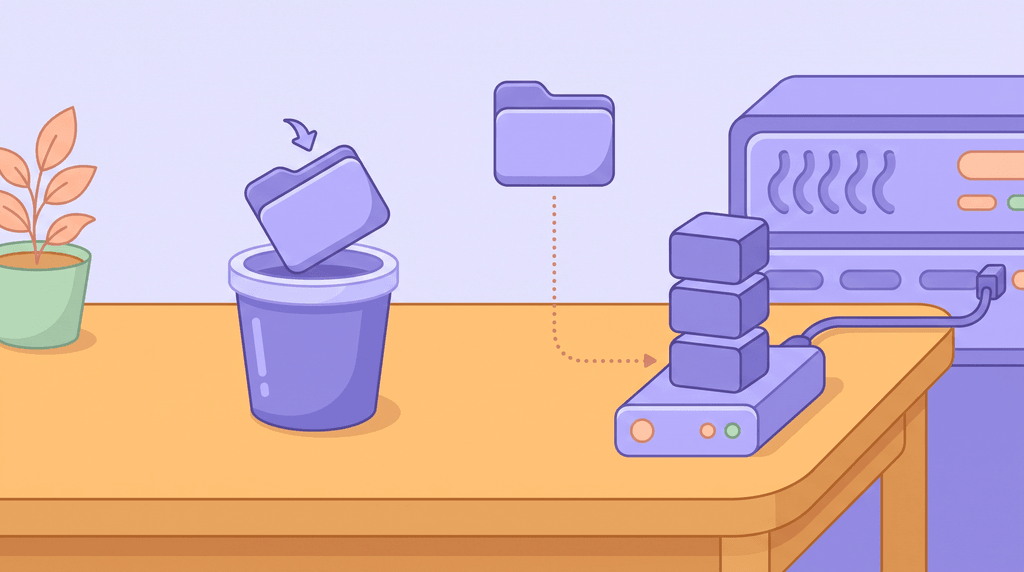
When a program on your server copies a file to another folder on the same pool, TrueNAS can skip storing the data a second time. The two copies then share the same space on your drives. For example, an app that copies a finished download into your media library can make shared copies.

Here is why the size grows. Data counts each copy. Free goes down only once, because the data is stored only once. So the size HexOS shows grows, even though the data is stored only once.
For example, the pool on the test server showed a size of 40.89 GB. We put a 10.7 GB test file in one folder and copied it to a second folder. HexOS then showed a size of 51.61 GB: 23.89 GB used and 27.7 GB free.
Info: Each shared copy is still its own file. Changing one copy does not change the other.
¶ Why the size can get smaller when you delete files
When you delete one of two shared copies, Data goes down. Free barely changes, because the other copy still uses that space. So the size gets smaller. If a snapshot still holds the deleted file, the size can stay the same.
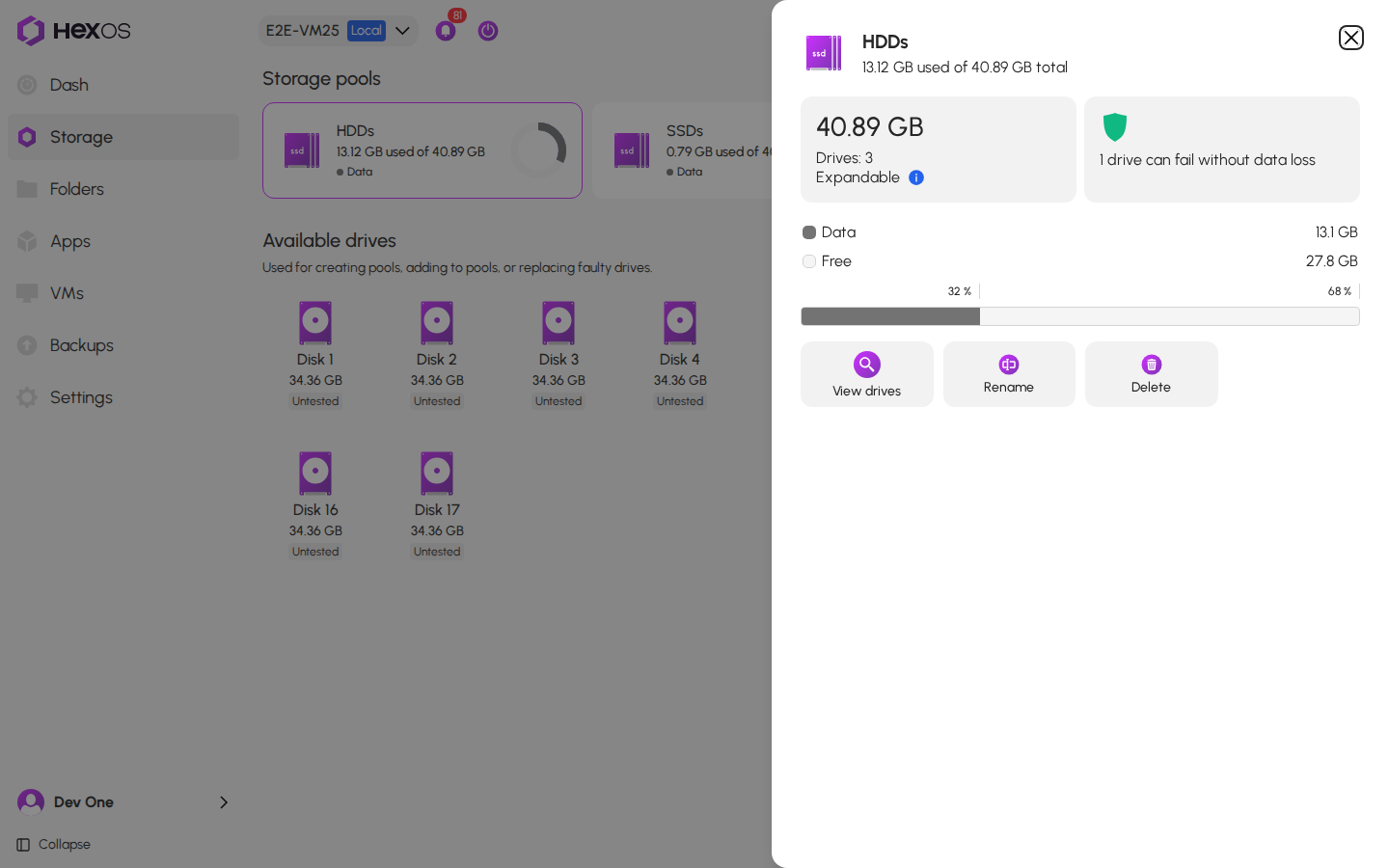
On the test server, we deleted the first test file and kept the copy. The size went from 51.61 GB back to 40.89 GB. Data went from 23.9 GB to 13.1 GB, and Free stayed at almost the same amount.
Pool info panel after deleting the first copy
The space becomes free only when no copy and no snapshot uses it anymore. Free shows the space that is really left, and shared copies do not make it look bigger. A size change caused by shared copies does not need fixing. If you cannot explain a change, ask for help.
¶ What makes a pool smaller than its drives
Three things make the size of a pool smaller than its drives add up to:
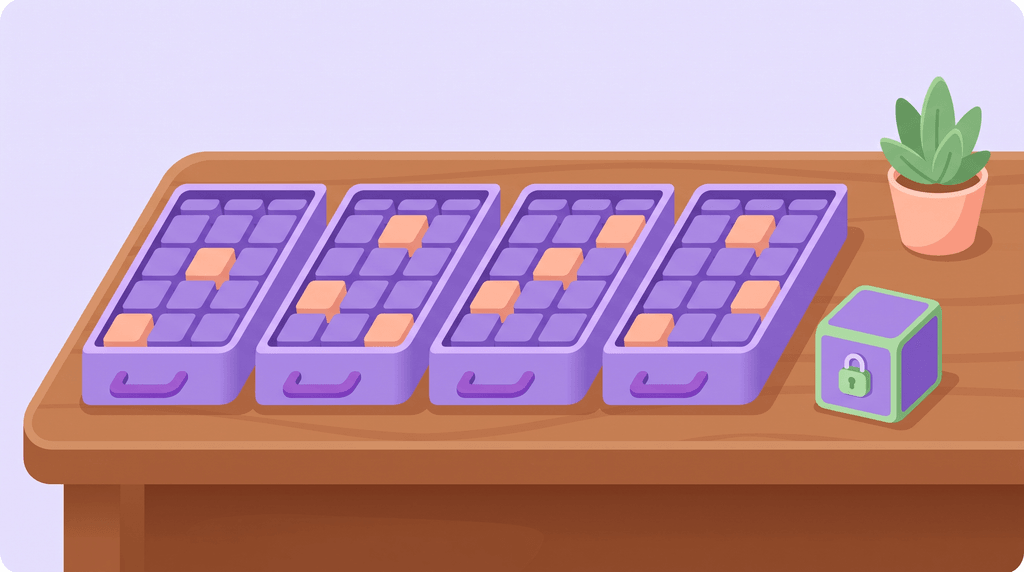
- Protection: each RAIDZ1 group uses about one drive's worth of space for safety data, so your data survives if one drive fails. Each RAIDZ2 group uses about two, so your data survives if two drives fail. A mirror keeps a full copy on each drive.
- Padding: RAIDZ stores data in blocks that need some extra room. How much depends on the drive layout.
- Reserve: by default, ZFS keeps a small amount of space free so the pool keeps working when it is almost full. It is usually 1/32 of the pool, and never more than about 137 GB.
For example, take four 8 TB drives in one RAIDZ1 group:
- Three drives' worth of space holds your data: 24 TB.
- Padding takes about 3% of that, which leaves about 23.3 TB.
- The reserve takes about 0.14 TB, which leaves about 23.1 TB.
So without shared copies or deduplication, HexOS shows a size of about 23.1 TB for this pool.
¶ Check how much space shared copies save
You can see how much space shared copies save on your pool. This only reads information. It changes nothing.
-
In TrueNAS, click System > Shell.
-
Type this command, with your pool's name in place of
HDDs, then press Enter:zpool get bcloneused,bclonesaved,dedupratio HDDs
The command in the TrueNAS shell
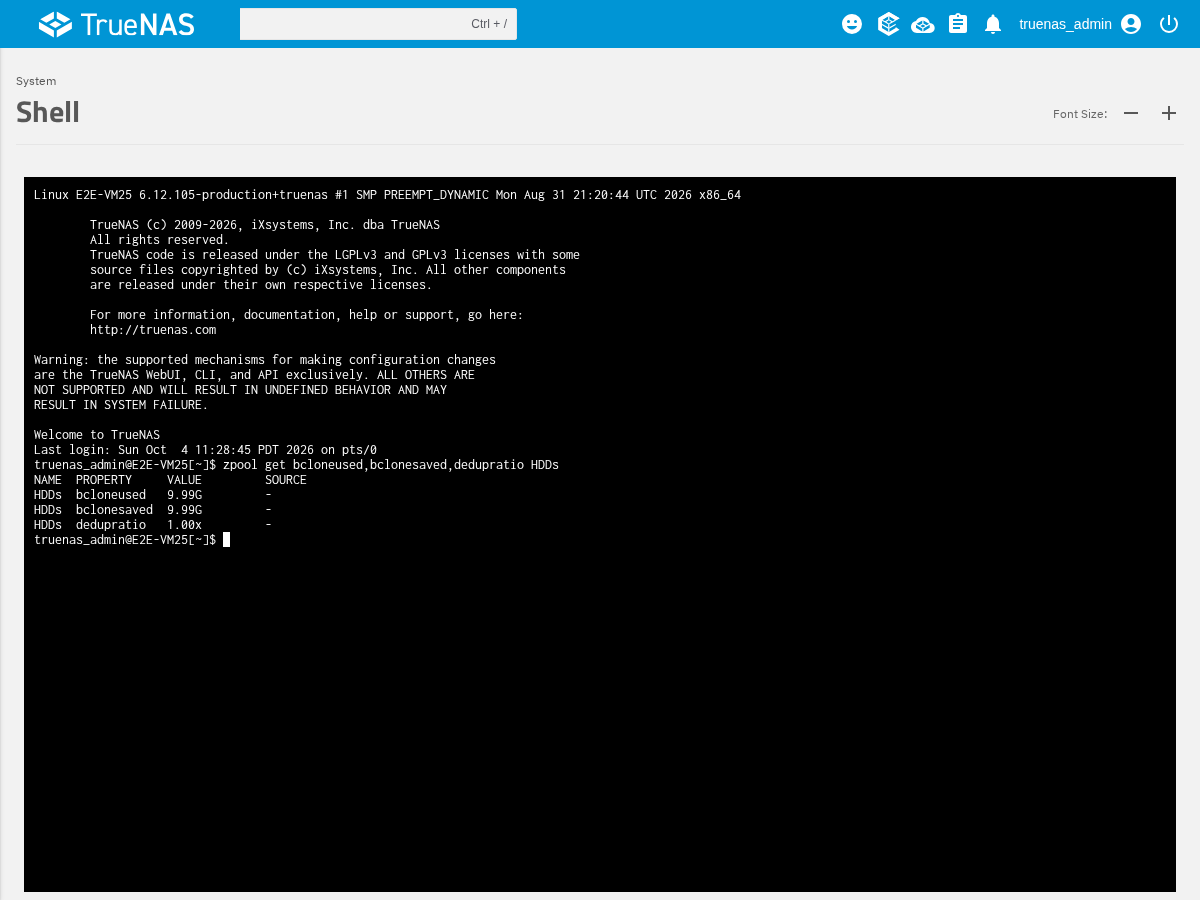
What the result means:
- bclonesaved is how much space shared copies save right now. The size HexOS shows is bigger by about this amount.
Gmeans GiB andTmeans TiB. - bcloneused is how much space the shared data takes up, counted once.
- dedupratio shows how much space deduplication saves. Deduplication is another TrueNAS feature that stores matching data only once, and it makes the size look bigger in the same way. A value of
1.00xmeans it saves little or no space.
Help: If your pool size still looks wrong, ask in the HexOS Discord Community and include the result of the command above.