¶ HexOS documentation: how to contribute
There are currently two ways to help improve HexOS documentation:
- Feedback, corrections and minor edits
- Writing guides for the HexOS community
¶ Feedback, corrections and minor edits
¶ Report an issue
- Join the HexOS Discord server
- In the #Docs channel, describe the issue you found
- If the issue is with Getting started, Features or Troubleshooting then HexOS staff will fix the documentation
- If the issue is with a Community Guide you can request a fix or correct the guide yourself.
¶ Make an edit
Ask for edit access to the documentation site. This is usually granted the same day, but can take a few days.
Once edit access is granted, log in to HexOS.com and navigate to the documentation site.
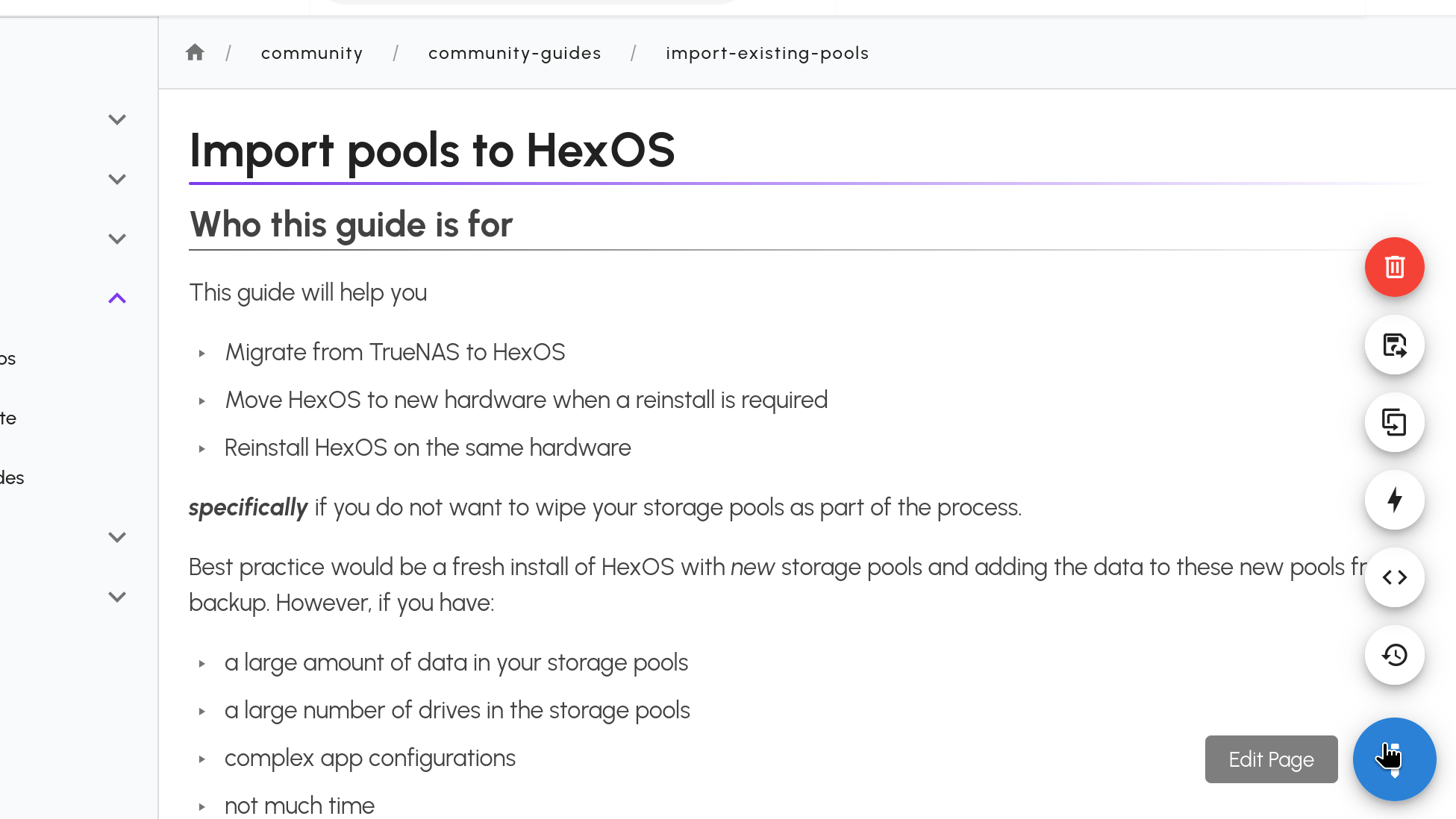
First click the Edit button
Edit button
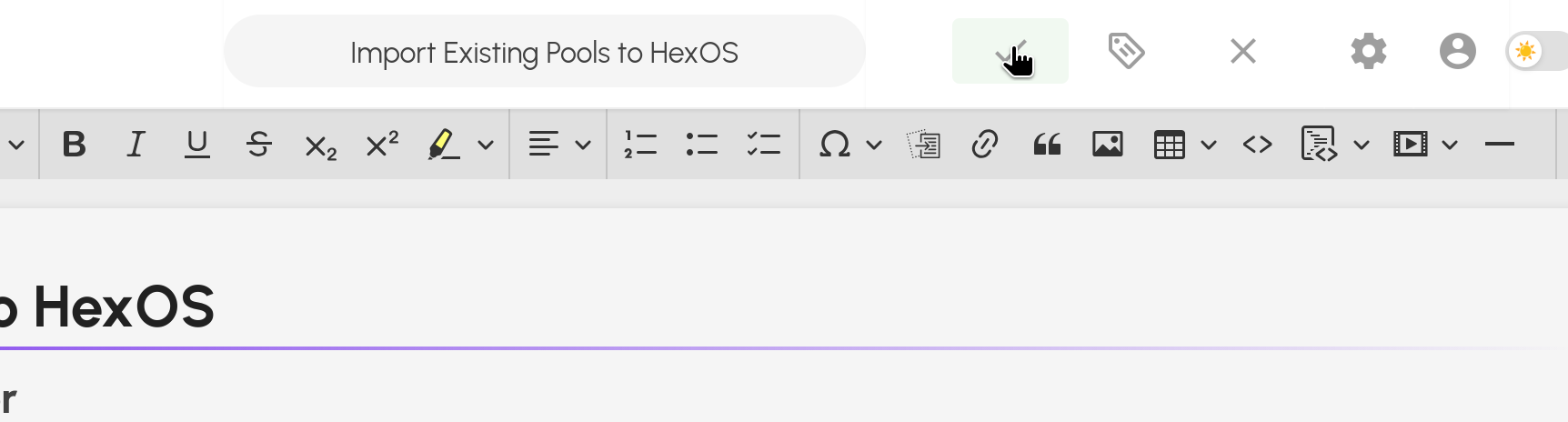
Once you have finished the edit, click the Save button
Save button
You're all done! Thank you for your support.
Note: Please let the #Docs channel know when you make edits.
¶ Contribute a guide
- Join the HexOS Discord server
- In the #Docs channel describe the guide you would like to contribute. Don't be shy, we're all nerds together!
- Ask for edit access to the documentation site. This is usually granted the same day, but can take a few days.
- You can then edit the Community > Community Guides section of docs.hexos.com using your usual hexos.com login
¶ How to write a guide
- Read through the documentation style guide
- Take your time writing, and ask for help if you need it
¶ Create a page
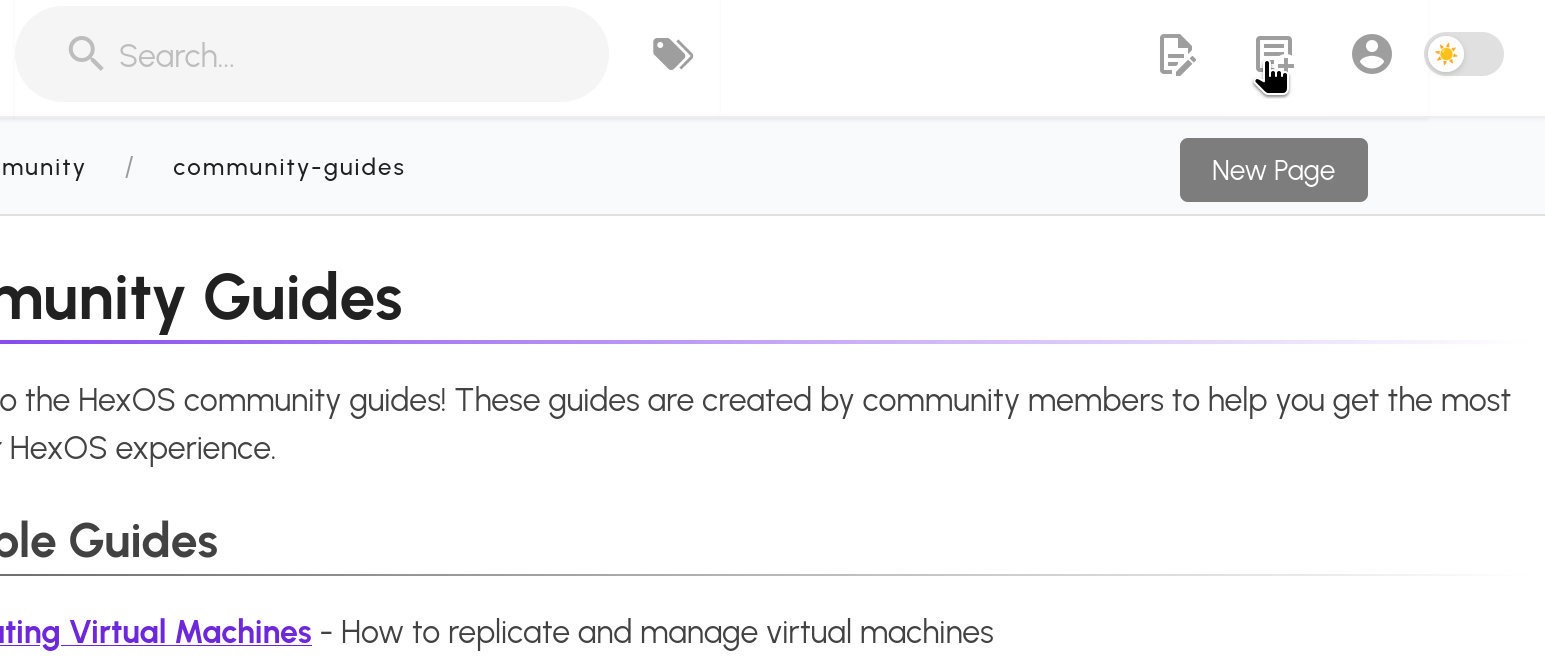
- Create a page by clicking the New Page icon
New Page icon
¶ Set page location
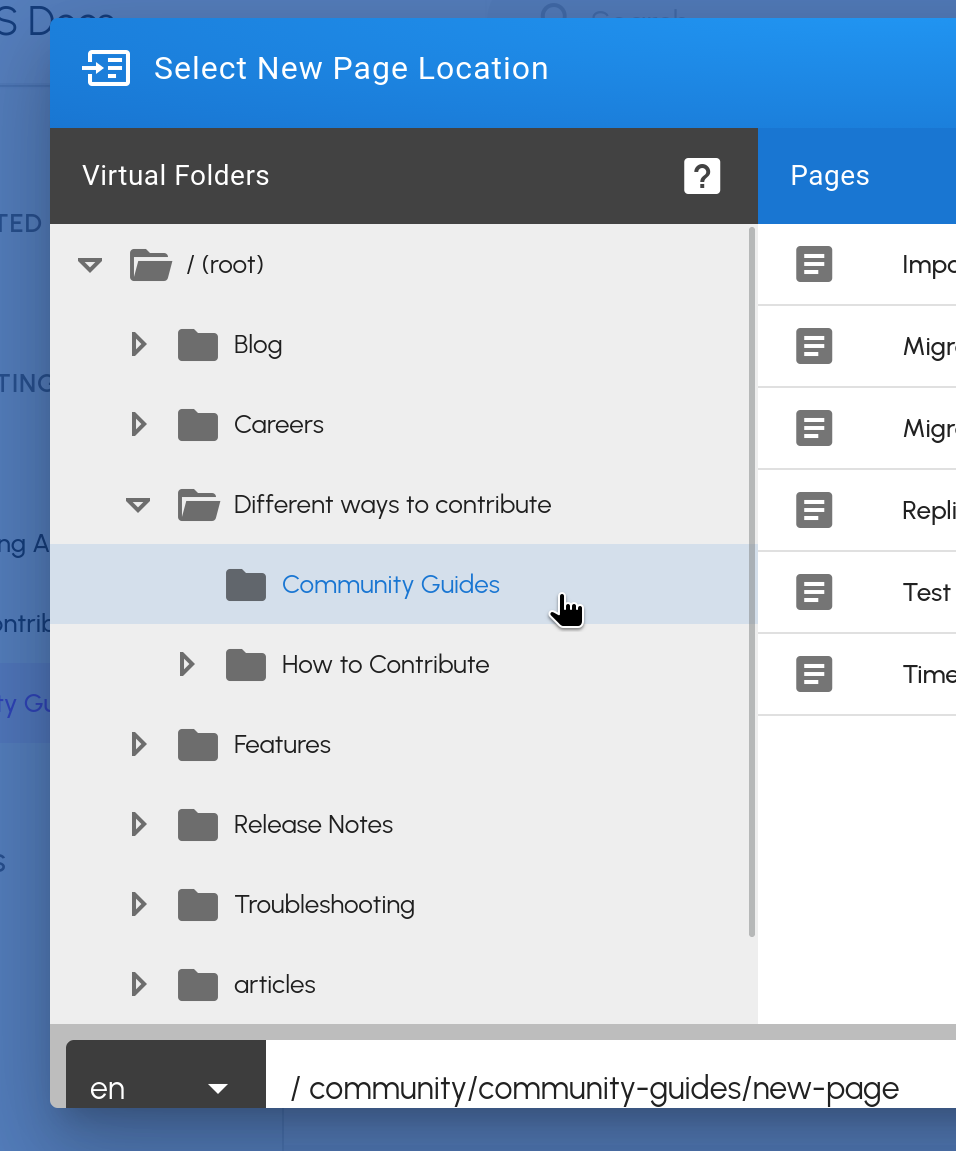
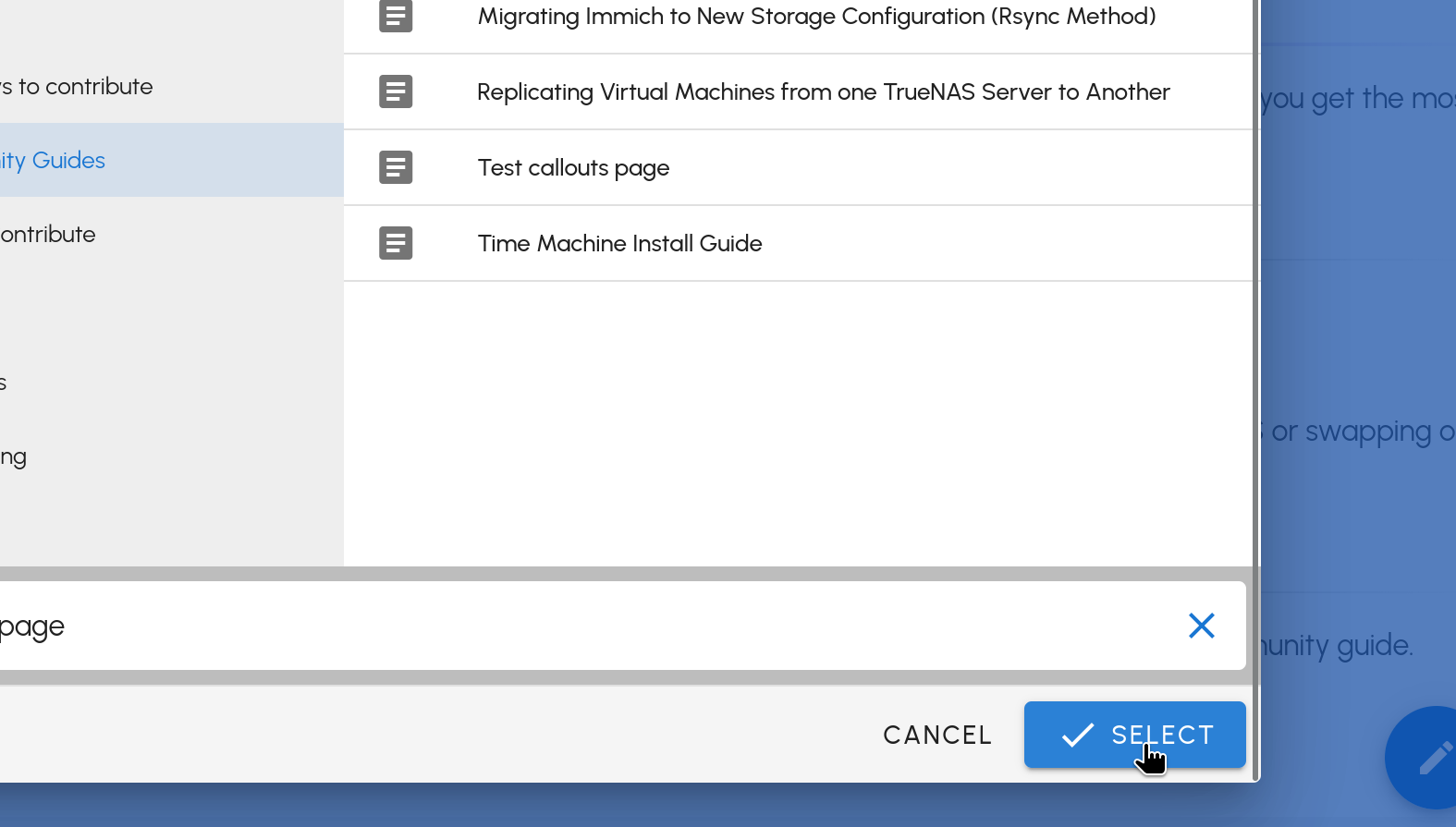
- Set the Page Location to Different ways to contribute > Community guides. This is the WikiJS folder/page structure.
Page location selector
¶ Name the page
- Name the page using your guide title in lowercase, with hyphens between words.
- For example: how-to-set-up-immich
- This is part of the URL of the page, not the title displayed to readers which you will set later.
Page name field
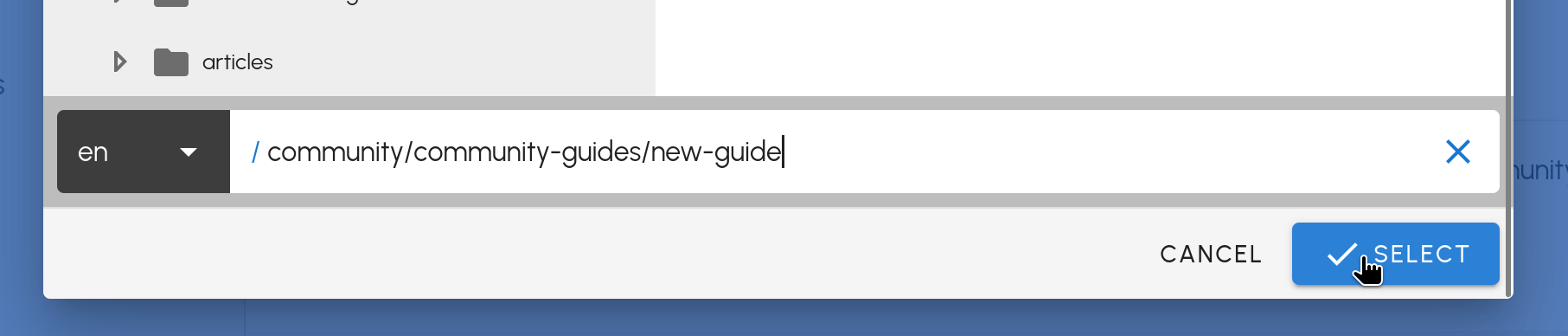
Click the Select button
Select button
¶ Choose an editor
Please use the Markdown editor.
Editor selection screen
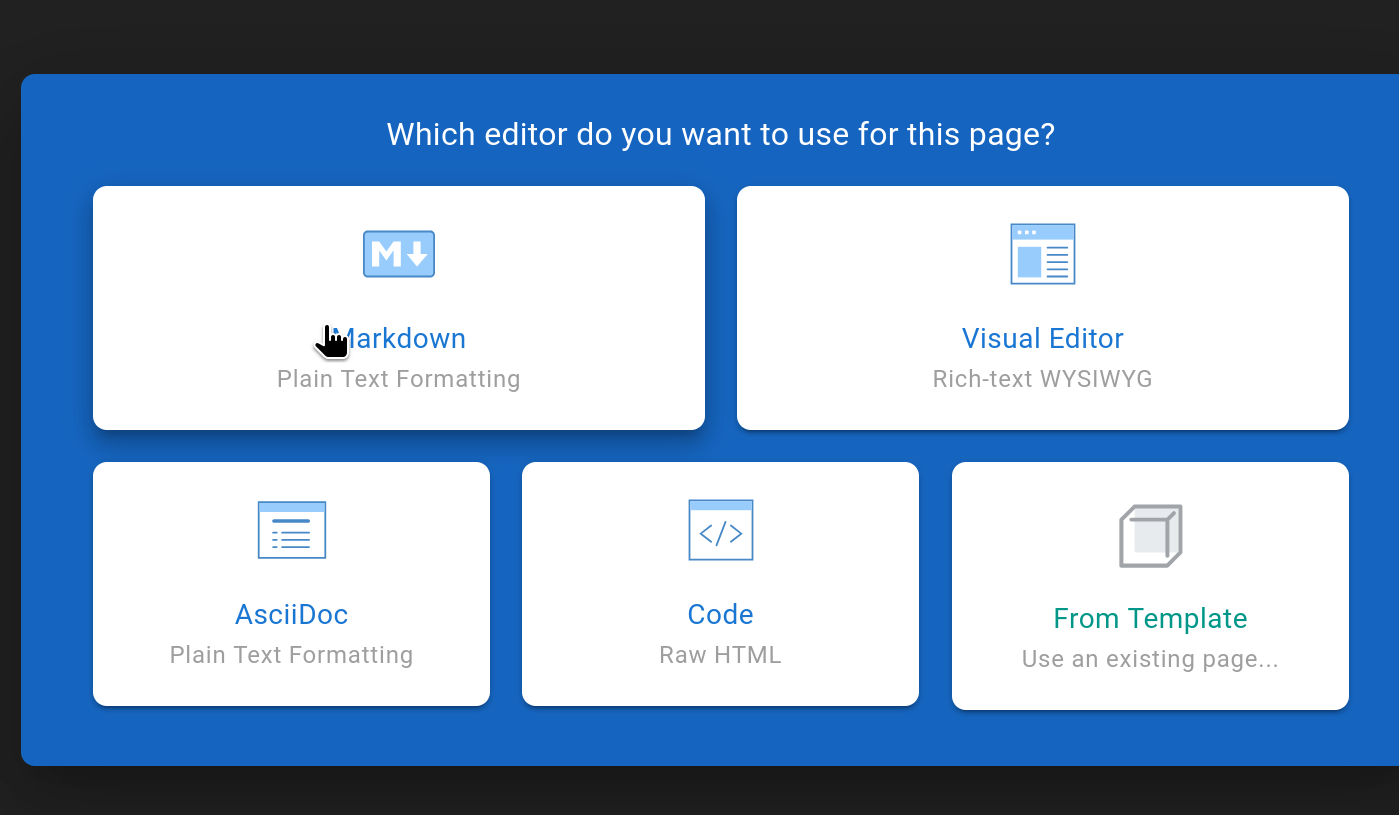
This is because key components of the style guide, for example:
- callout warnings
- image dropdown
cannot be added in the visual editor.
Pages made using the visual editor would need to be converted to the markdown format in order to add those elements.
¶ Page properties
Give the page a title. This will usually match the page name you chose earlier
Page title field
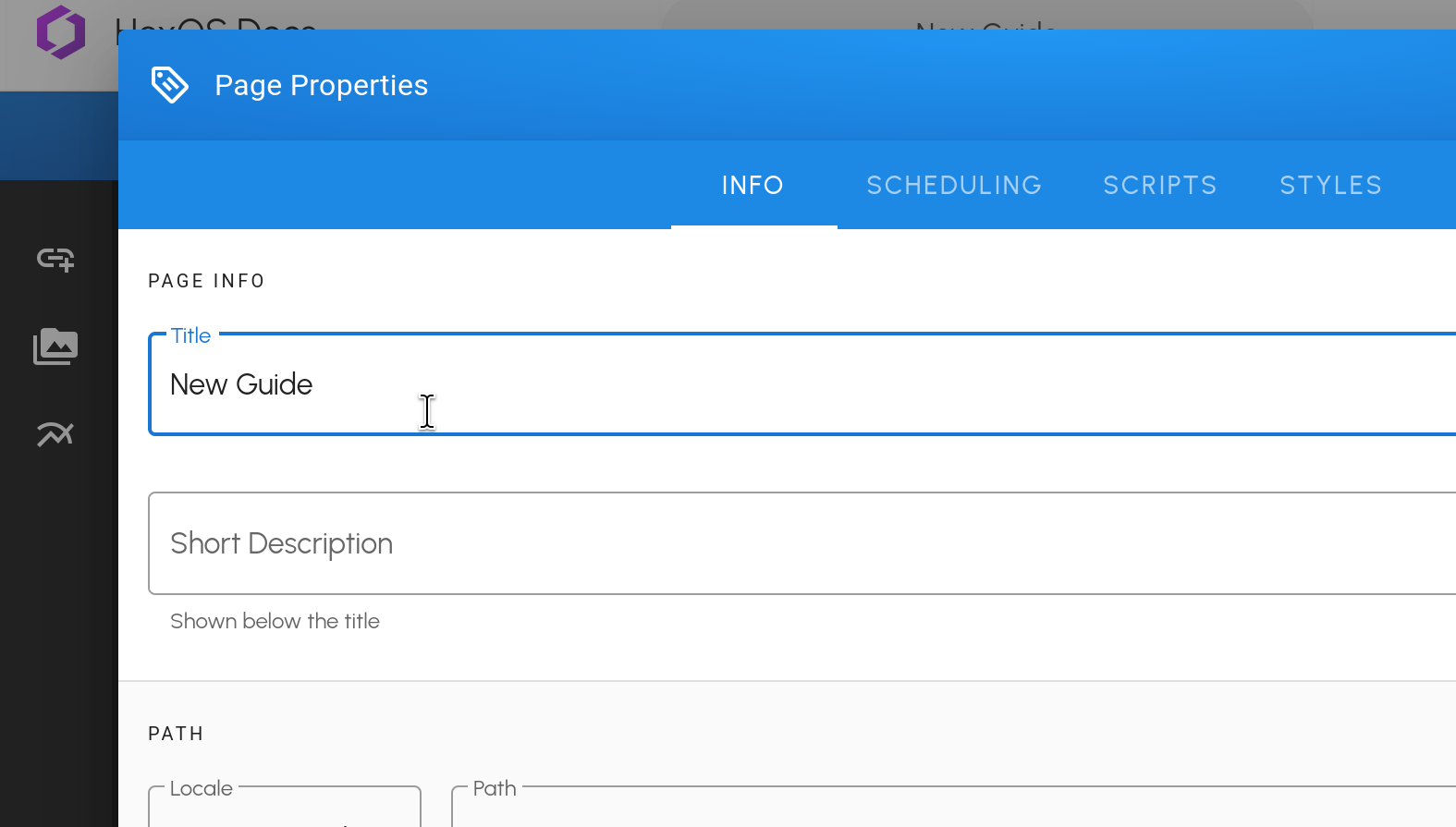
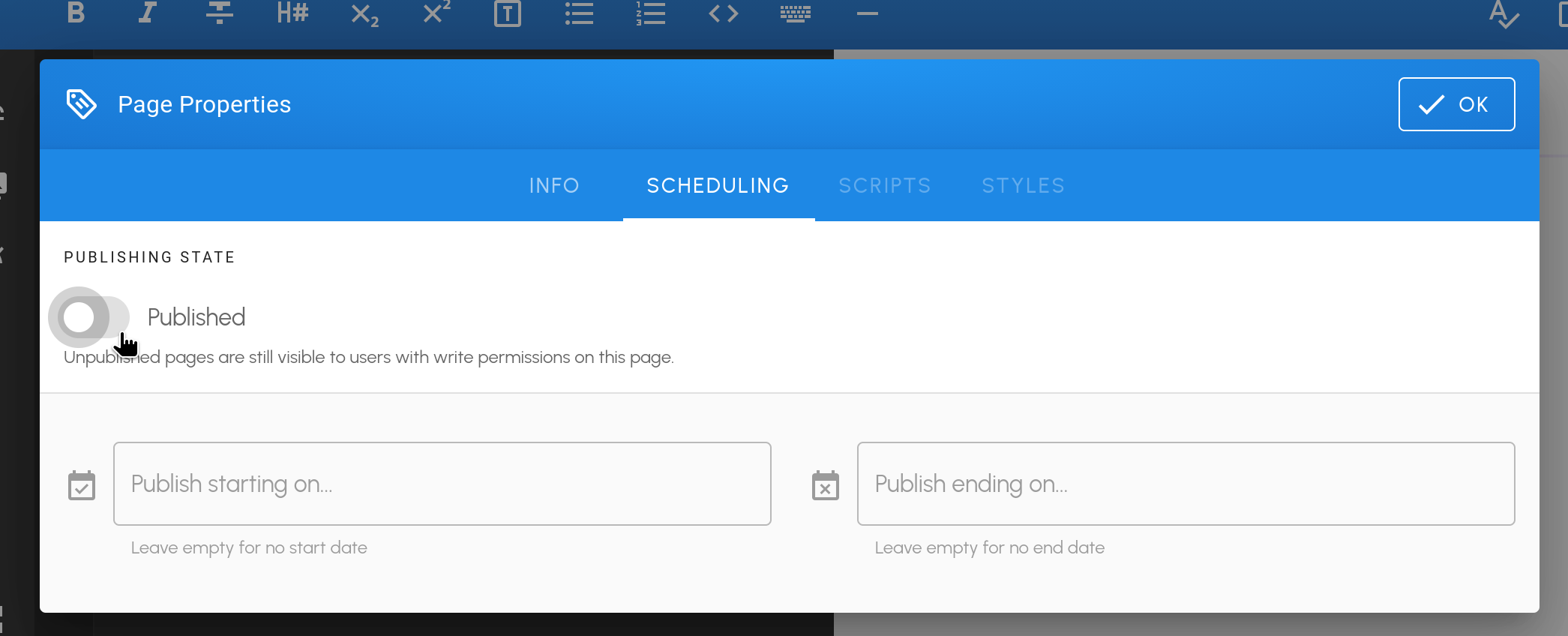
Under Scheduling, toggle off Published.
Published toggle
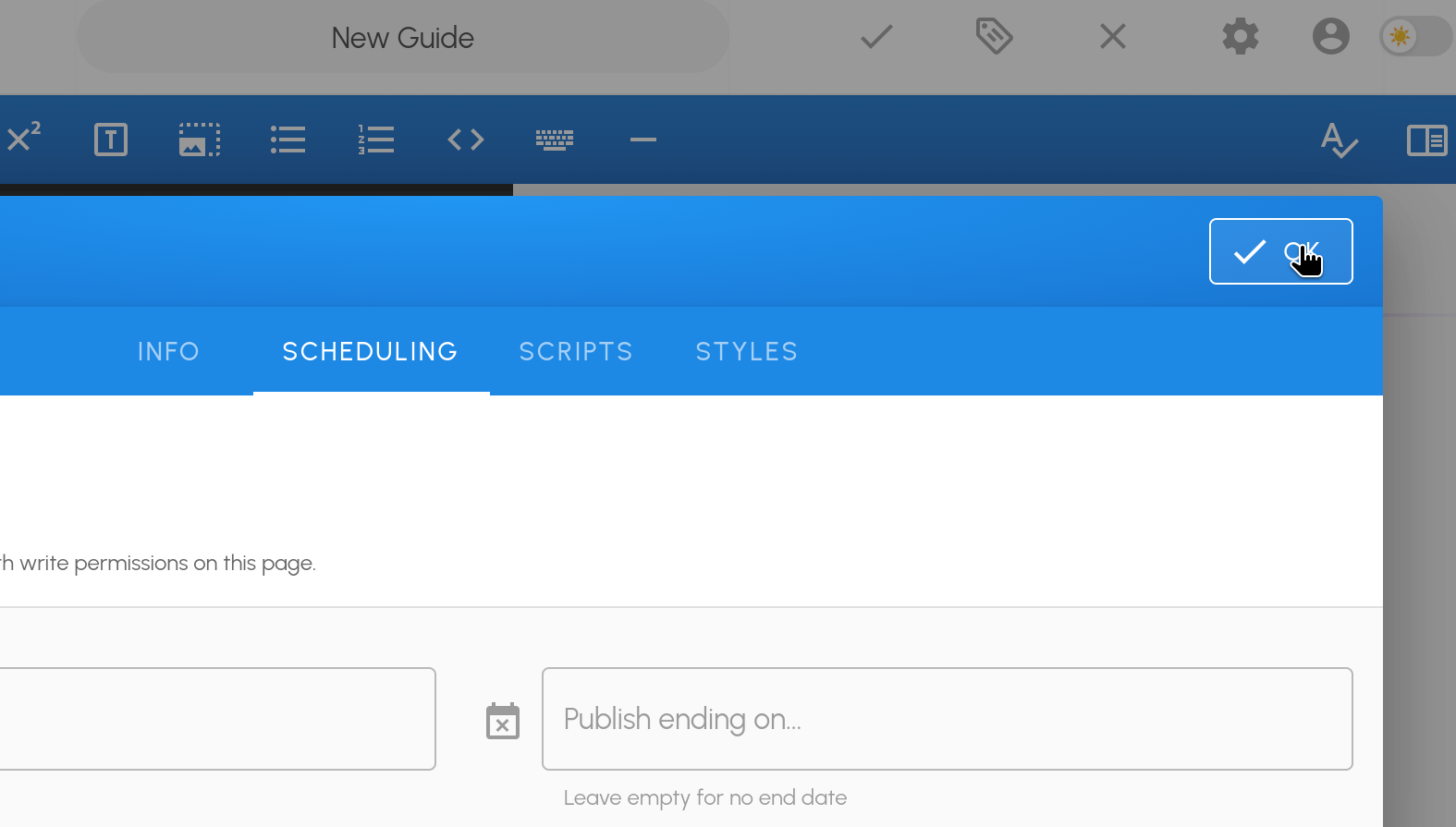
Click OK to finish the setup
OK button
Tip: Save your work by clicking the checkmark icon
Warning: The wiki editor does not autosave! Consider writing in another tool and then pasting into the wiki for formatting.
Don't forget: Add your name as the author of the guide
¶ Review and publish a guide
- Once your guide is written and you're happy with it, share a link to the guide in the #Docs channel and ask others to review it.
- This may involve others following the steps to check that they work for them.
- They may suggest edits to wording or formatting.
- When you're done the guide can be published. A docs admin can add it to the list on the Community guides page.
Thank you! Documentation is a huge part of what makes a project like HexOS work for its users. Your support is invaluable.
¶ Documentation license
By contributing you are agreeing to make your work available to the public under CC BY-SA 4.0 and to grant Eshtek, Inc. a perpetual, worldwide, non-exclusive, royalty-free, irrevocable license to it. Read all about the license here.