¶ Install media for VMs
Info: Virtual Machines is in beta. Everyone can use it. Beta means we are still finishing it, so screens may change and you may find a rough edge. What beta means
Install media are the ISO files a VM boots from: an operating system installer, a rescue disc, or a disc of drivers. HexOS keeps them in one place on your server, the Install Media location, and VMs can only boot ISOs stored there.
Info: Most systems in the catalog need nothing from you. HexOS downloads the official image itself. You only need your own ISO for Windows, for a custom VM, or to put a disc into a VM you already have.
¶ Where it is
Go to Settings > Locations and look under Virtualization for Install Media. By default it is a folder on your capacity pool.
¶ Adding an ISO
There are three ways, and all of them end with the ISO in your Install Media location.
Upload it while you set up the VM. Where the setup dialog asks for an ISO, choose Select an ISO file, open the Choose an ISO list, and click Browse files… to upload one from your computer. While it uploads, the file you picked shows Uploading… and how far it has got. Wait for the upload to finish before you click Continue.
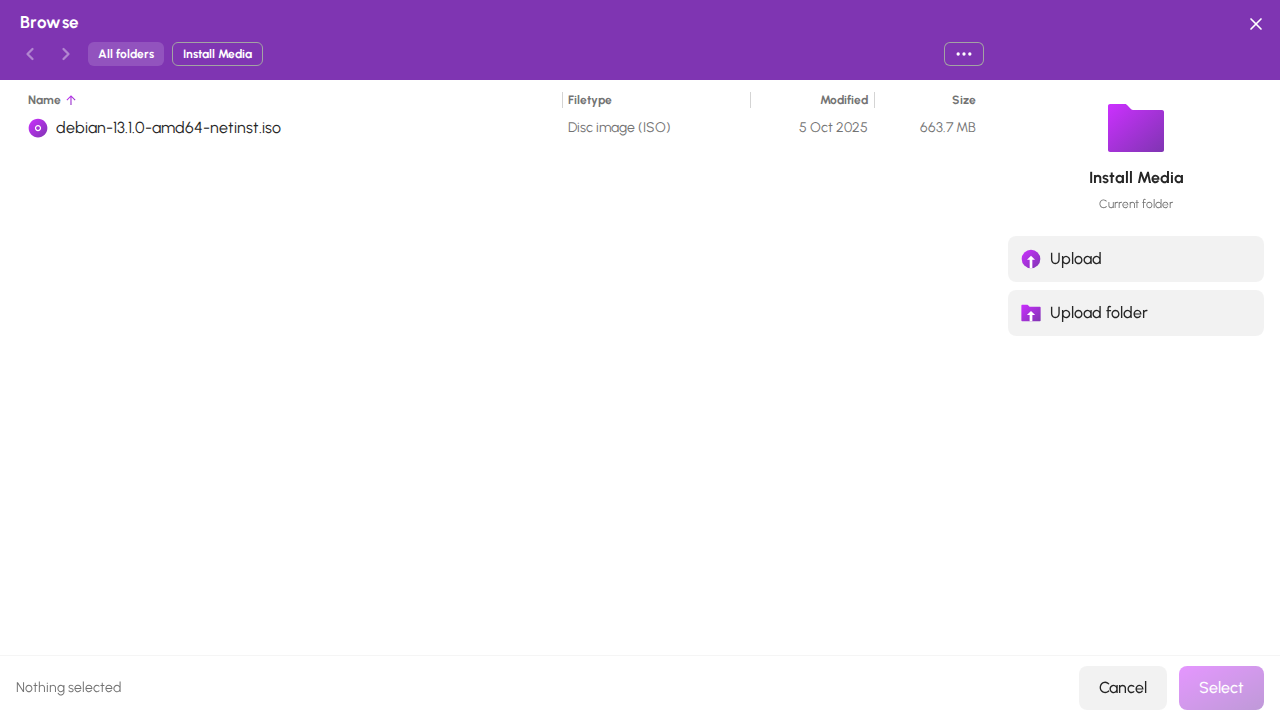
Browse files… opens the file browser in your Install Media folder. The path at the top shows where you are.
File browser in Install Media
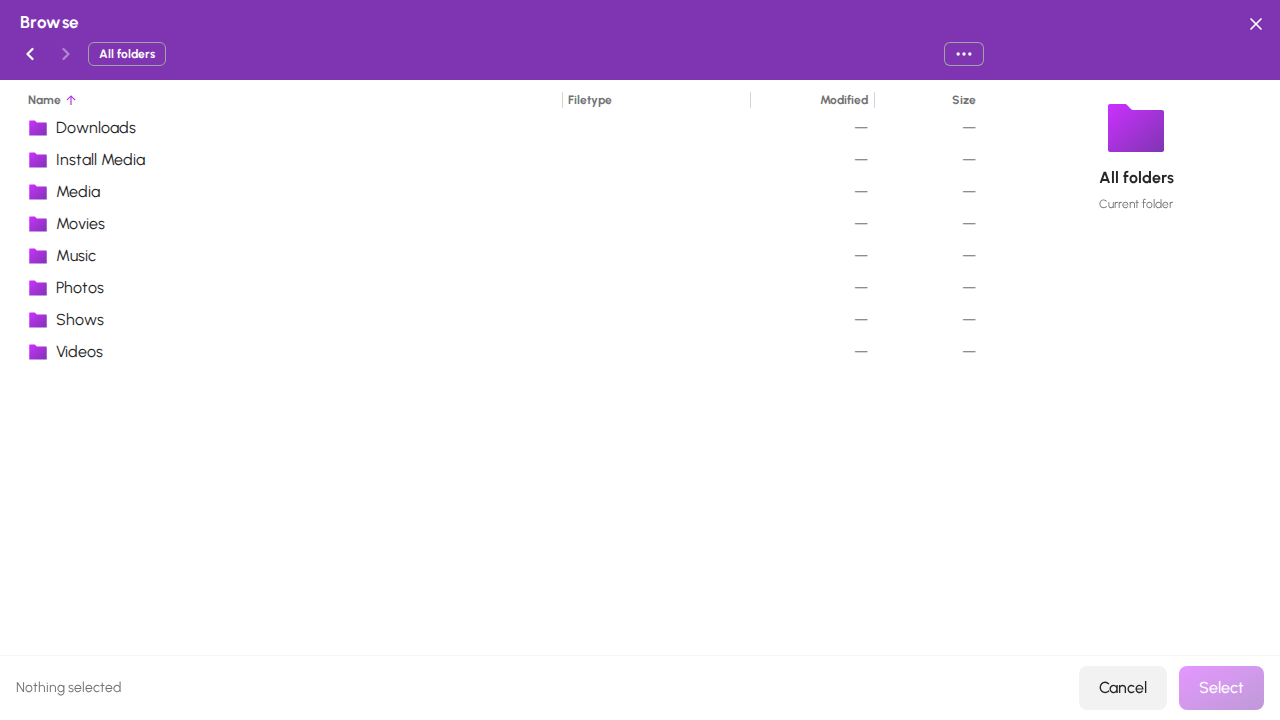
To look in your other folders, click All folders at the top. Install Media is listed there with your folders, so you can click it to go back.
All folders with Install Media
Give HexOS a download link. Choose Provide a download link and paste a link that starts with https://. Your server downloads the ISO directly, so nothing passes through your computer. When you install Windows from the catalog, the option reads Provide a download link from Microsoft. Choose it, then click Open the official ISO download page to go to the page that makes one: pick your edition there, copy the link, and paste it.
Copy it there yourself. Use the file browser to upload or move the ISO into your Install Media folder. It then appears in every Choose an ISO list.
Warning: Put ISO files directly in the Install Media folder, not in a folder inside it. HexOS does not list ISOs in a folder inside Install Media, or files whose names start with a dot, and refuses one you pick there with Choose an ISO file from Install Media.
Info: If you pick a file from somewhere else, HexOS says VMs can only boot ISOs stored in Install Media. Upload or copy the file there, then pick it.
If your Install Media folder has no ISO yet, the list says No ISO files found in your Install Media folder. Copy one there or paste a download URL below.
¶ Using an ISO with a VM you already have
See Discs (ISOs) for putting an ISO into a VM's disc drive, booting from it, and taking it out again.
¶ What happens to your ISOs
- Uninstalling a VM never deletes your ISO files.
- Installer files that HexOS downloaded are kept, so setting up the same system again is faster.
- Ejecting or removing an ISO from a VM only changes that VM's disc drive. The file stays where it is.