¶ Settings
This is where you can adjust your server behavior and configuration.
¶ System
¶ Network
Configure your server's network connection and how devices reach it.
- Set up network interfaces with static IPs.
- Change your server's hostname.
- Advanced networking configuration options such as VLANs.
¶ Preferences
Fine-tune your HexOS experience with dashboard controls.
- Toggle dashboard items or sections.
- Switch to dark mode.
- Choose how dates and temperatures are written. See Personalization.
- Enable experimental features.
¶ First-time setup
Show the welcome banner again for the server you have open. See Show the welcome banner again.
¶ Recovery key
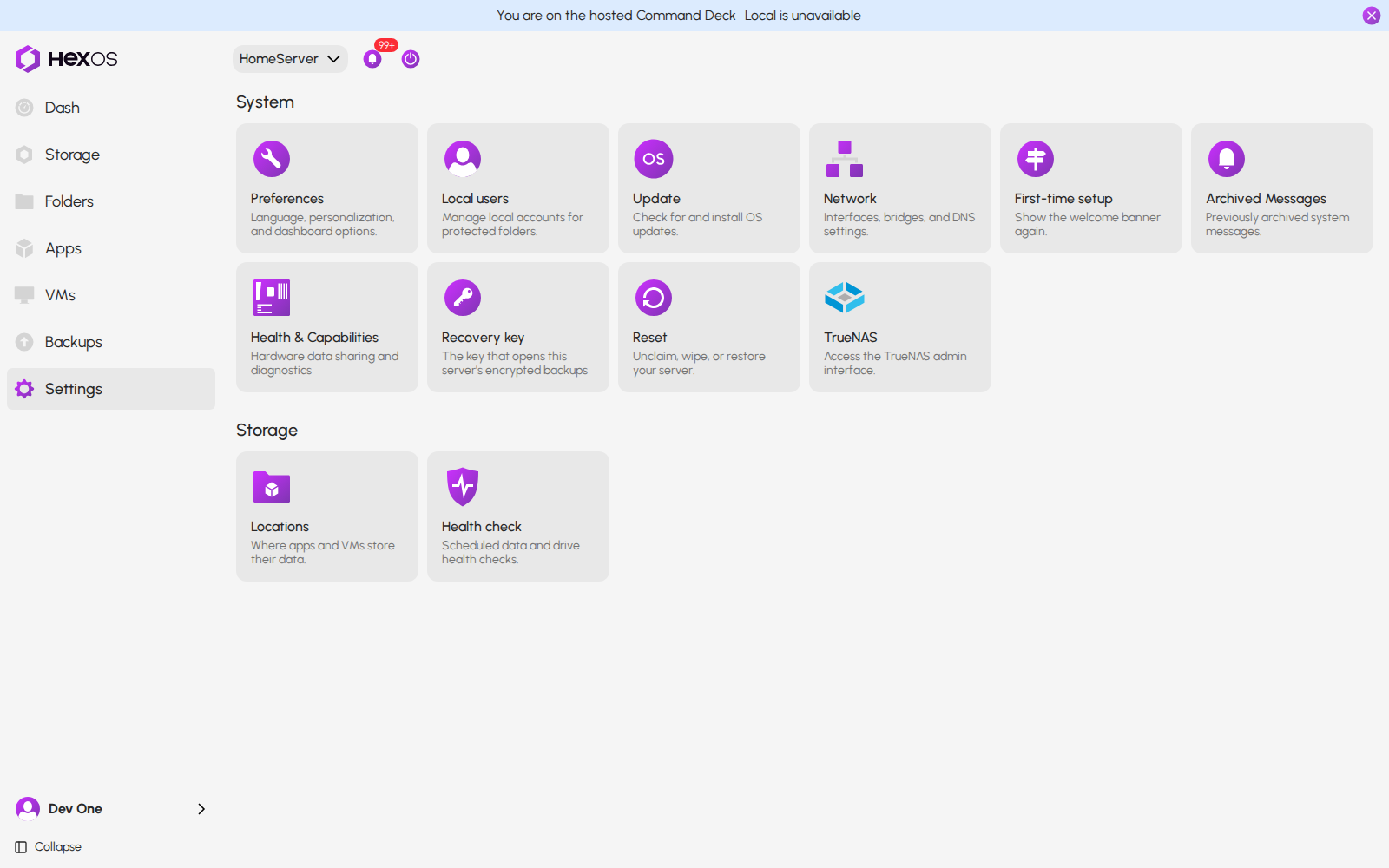
"The key that opens this server's encrypted backups." Here you can view and copy this server's recovery key, choose who keeps it (Managed or End-to-end encryption), rotate it, and download its Emergency kit. See Recovery key and emergency kit.
Recovery key tile in Settings
¶ Health & Capabilities
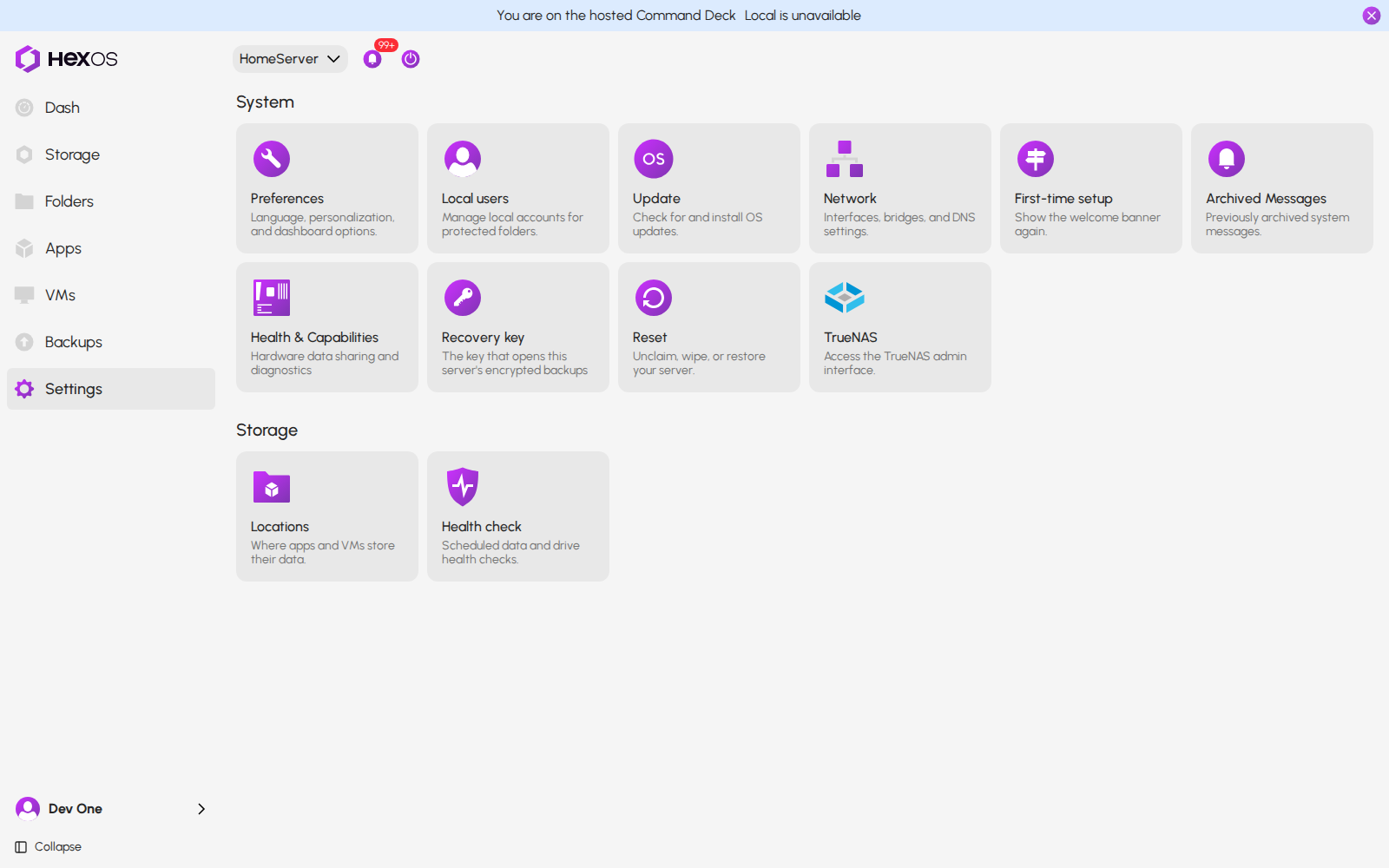
Hardware data sharing and diagnostics for the server you have open. See Health & Capabilities.
- Choose whether this server shares hardware data with HexOS. Sharing is off until you turn it on.
- Run diagnostics to check your server's storage, memory, network, apps and hardware.
Health & Capabilities tile in Settings
¶ Reset
The reset settings allow for rolling back your server to a different state. See Reset.
- Unclaim system removes this server from your HexOS account. Your pools and files stay on it, and you can claim it again.
- System wipe erases every pool on this server and removes HexOS, then the server waits to be claimed again.
- Restore previous will let you choose to go back to a previous point in time to undo any recent changes. (Pool data will not be affected) It is not available yet.
¶ Applications
¶ Locations
A location editor which allows for customizations of system folder paths.
- Select where applications install.
- Choose the locations for downloads, documents, media, and other system folders across your storage pools.
- A location is always a folder inside a pool, such as
HDDs/Videos. A whole pool cannot be chosen as a location.
Changing a location only changes where new files go. Nothing is moved or deleted.
Info: A location cannot be changed while apps or VMs are using it. The Used by list on each location shows what is using it. A location saved as a whole pool on an earlier version is the exception. It shows a notice, and you can change it to a folder after you confirm.